TL;DR: Solving GPU Detection Failures in AI Infrastructure
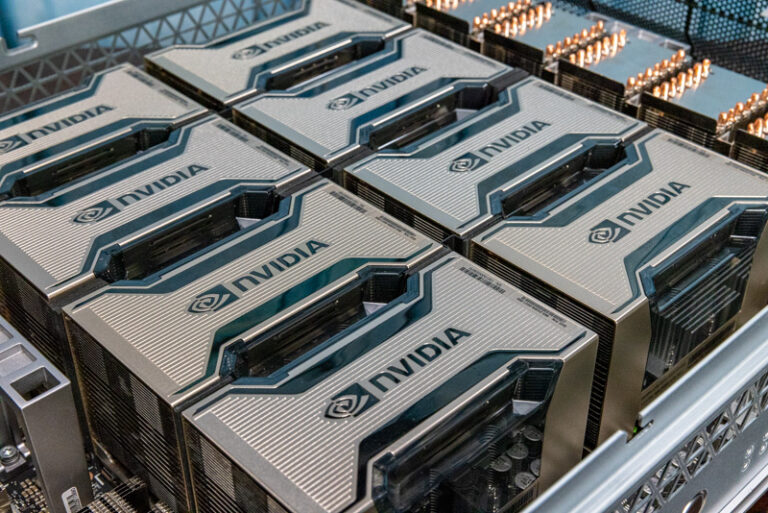
The Production Reality: A “missing GPU” in 2026 is often a PCIe Link Training failure or a GPU-off-bus (XID 79)event caused by thermal stress or power fluctuations in high-density H100/H200 racks.
The Diagnostic Hierarchy: Skip the reboots. Start with dmesg | grep -i nvidia to identify hardware-level XID errors, followed by dcgmi diag -r 3 for a deep-tier hardware health check.
The Software Gap: “Not detected” often refers to the Docker container, not the host. Ensure NVIDIA Container Toolkit is correctly mapped and the Persistence Daemon is active.
EmergingAI Solution: Our platform provides Deep Observability to auto-detect “Silent Failures.” If a node drops a GPU, EmergingAI Intelligent Scaling proactively isolates the node and migrates workloads to maintain 99.9% uptime.
1. Hardware Level: The “Fallen Off the Bus” Crisis
In enterprise AI clusters, the most common reason a GPU “disappears” is not a loose cable, but a PCIe Link Failure.
When an NVIDIA H100 or RTX 4090 operates at sustained peak TDP (700W+), thermal expansion can trigger transient signal integrity issues.
Detection:
Check for XID 79 in your system logs. This indicates the GPU has literally “fallen off” the PCIe bus.
Professional Fix:
Ensure Above 4G Decoding and Resizable BAR are enabled in the BIOS. These settings are mandatory for the 64-bit addressing required by modern AI memory footprints.
2. Driver & Persistence: Keeping the Silicon “Awake”
A GPU might be physically present but “invisible” to your training script due to driver sleep states.
Persistence Mode:
For AI workloads, you must enable nvidia-smi -pm 1. This keeps the driver loaded even when no tasks are running, preventing the latency and detection hiccups associated with driver re-initialization.
The “nvidia-smi” Check:
If nvidia-smi returns “No devices found,” but lspci | grep -i nvidia shows the hardware, your driver kernel module is likely crashed. Use sudo modprobe nvidia to attempt a manual reload.
3. Container Orchestration: Mapping the Compute
In the age of Agentic Workflows, GPUs are often “missing” because the containerized environment (Docker/Kubernetes) hasn’t been granted access.
Check the Toolkit:
Verify the NVIDIA Container Toolkit installation. A simple docker run --rm --gpus all nvidia/cuda:12.0-base nvidia-smi will confirm if the passthrough is functioning.
EmergingAI Strategy:
We automate the mapping of GPU resources to containers. If a model runner fails to detect a GPU, the EmergingAI Node Health Monitor performs a recursive check from the kernel up to the Docker daemon to resolve the mapping error in real-time.
Expert FAQ
Q: Why does my GPU disappear only during heavy LLM fine-tuning?
A: This is typically a Power Delivery failure or Thermal Throttling reaching a critical shutdown point. Monitor your VRM (Voltage Regulator Module) temperatures via EmergingAI Deep Observability to ensure your power supply isn’t sagging under load.
Q: Does “GPU Not Detected” mean the hardware is dead?
A: Rarely. 90% of cases are related to PCIe link degradation or Driver-Kernel mismatches after a system update. Always perform a dcgmi diag -r 1 before declaring a hardware failure.
Q: How does EmergingAI handle a GPU failure in a 512-GPU cluster?
A: Our platform utilizes Predictive Telemetry. By monitoring ECC (Error Correction Code) spikes and voltage ripples, we can often predict a GPU “falling off the bus” before it happens, allowing for a proactive workload migration that preserves your training checkpoint.